My Haas Welcome,
!
Haas Tooling MyHaas/HaasConnect Sign In Register Haas Tooling MyHaas/HaasConnect Sign Out Welcome, My Machines Latest Activity My Quotes My Account My Users Sign Out
Find Your Distributor
  1. Select Language
    1. English
    2. Deutsch
    3. Español - España
    4. Español - México
    5. Français
    6. Italiano
    7. Português
    8. Český
    9. Dansk
    10. Nederlands
    11. Magyar
    12. Polski
    13. Svenska
    14. Türkçe
    15. 中文
    16. Suomi
    17. Norsk
    18. الإنجليزية
    19. български
    20. Hrvatski
    21. Ελληνικά
    22. Română
    23. Slovenský
    24. Slovenščina
    25. 한국어
    26. 日本語
    27. Українська
  • machines Main Menu
    • Vertical Mills
      Vertical Mills
      Vertical Mills View All
      • Vertical Mills
      • VF Series
      • Universal Machines
      • VR Series
      • VP-5 Prismatic
      • Pallet-Changing VMCs
      • Mini Mills
      • Mold Machines
      • High-Speed Drill Centers
      • Drill/Tap/ Mill Series
      • Toolroom Mills
      • Compact Mills
      • Gantry Series
      • SR Sheet Routers
      • Extra-Large VMC
      • Double-Column Mills
      • Pocket Mill
    • Multi-Axis Solutions
      Multi-Axis Solutions
      Multi-Axis Solutions View All
      • Multi-Axis Solutions
      • Y-Axis Lathes
      • 5-Axis Mills
    • Lathes
      Lathes
      Lathes View All
      • Lathes
      • ST Series
      • Dual-Spindle
      • Box Way Series
      • Toolroom Lathes
      • Chucker Lathe
      • Haas Bar Feeder V2
      • Haas Bar Feeder 12
    • Horizontal Mills
      Horizontal Mills
      Horizontal Mills View All
      • Horizontal Mills
      • 50-Taper
      • 40-Taper
    • Rotaries & Indexers
      Rotaries & Indexers
      Rotaries & Indexers View All
      • Rotaries & Indexers
      • Rotary Tables
      • Indexers
      • 5-Axis Rotaries
      • Extra-Large Rotaries
    • Special Series
      Special Series
      Special Series View All
      • Special Series
      • EU_Series_Redirect
    • Automation Systems
      Automation Systems
      Automation Systems View All
      • Automation Systems
      • Mill Automation
      • Lathe Automation
      • Automatic Parts Loaders
      • Automation Models
    • Desktop Machines
      Desktop Machines
      Desktop Machines View All
      • Desktop Machines
      • Desktop Mill
      • Desktop Lathe
      • Control Simulator, Standard
      • Control Simulator, Premium
    • Shop Equipment
      Shop Equipment
      Shop Equipment View All
      • Shop Equipment
      • Bandsaw
      • Vertical Saw
      • Miter Saw
      • Knee Mill
      • Manual Lathe
      • Laser Cutting Machines
    • Pocket Machines
      Pocket Machines
      Pocket Machines View All
      • Pocket Machines
      • Pocket Mill
    • QUICK LINKS Special Series  Special Series 
      EU SERIES EU SERIES BUILD & PRICE | PRICE LIST BUILD & PRICE | PRICE LIST In-Stock Machines In-Stock Machines WHAT’S NEW WHAT’S NEW YOUR FIRST CNC YOUR FIRST CNC
      SHOPPING TOOLS
      • Build & Price a Haas
      • Price List
      • Available Inventory
      • CNCA Financing
      WANT TO TALK TO SOMEONE?

      A Haas Factory Outlet (HFO) can answer your questions, and walk you through your best options.

      CONTACT YOUR DISTRIBUTOR >
  • Options Main Menu
    • The Haas Control Value Option Packages
      Value Option Packages
      Value Option Packages View All
      • Value Option Packages
    • Product Image Spindles
      Spindles
      Spindles View All
      • Spindles
    • Product Image Tool Changers
      Tool Changers
      Tool Changers View All
      • Tool Changers
    • Product Image 4th- | 5th-Axis
      4th- | 5th-Axis
      4th- | 5th-Axis View All
      • 4th- | 5th-Axis
    • Product Image Turrets & Live Tooling
      Turrets & Live Tooling
      Turrets & Live Tooling View All
      • Turrets & Live Tooling
    • Product Image Probing
      Probing
      Probing View All
      • Probing
    • Haas Chip & Coolant Management Chip & Coolant Management
      Chip & Coolant Management
      Chip & Coolant Management View All
      • Chip & Coolant Management
    • The Haas Control The Haas Control
      The Haas Control
      The Haas Control View All
      • The Haas Control
    • Product Image Product Options
      Product Options
      Product Options View All
      • Product Options
    • Product Image Tooling & Fixturing
      Tooling & Fixturing
      Tooling & Fixturing View All
      • Tooling & Fixturing
    • Product Image Workholding
      Workholding
      Workholding View All
      • Workholding
    • Product Image 5-Axis Solutions
      5-Axis Solutions
      5-Axis Solutions View All
      • 5-Axis Solutions
      • 5 Easy Steps to 5-Axis
    • QUICK LINKS Special Series  Special Series 
      EU SERIES EU SERIES BUILD & PRICE | PRICE LIST BUILD & PRICE | PRICE LIST In-Stock Machines In-Stock Machines WHAT’S NEW WHAT’S NEW YOUR FIRST CNC YOUR FIRST CNC
      SHOPPING TOOLS
      • Build & Price a Haas
      • Price List
      • Available Inventory
      • CNCA Financing
      WANT TO TALK TO SOMEONE?

      A Haas Factory Outlet (HFO) can answer your questions, and walk you through your best options.

      CONTACT YOUR DISTRIBUTOR >
  • Why Haas Main Menu
      Discover the Haas Difference
    • Why Haas
    • MyHaas
    • Education Community
    • Industry 4.0
    • Haas Certification
    • Customer Testimonials
  • Service Main Menu
      Welcome to Haas Service
      SERVICE HOME Operator’s Manuals How-To Procedures Troubleshooting Guides Preventive Maintenance Haas Parts Haas Tooling Videos
  • Videos Main Menu
  • Main Menu
    • View All
    • View All
    • View All
    • View All
      • HTEC Curriculum Support
    • View All
      • Haas 10 kg Cobot Package
      • Cobot Kits
      • DC-1 Drill Center
      • CNC Sales News
    • View All
    • View All
      • contact-us-test
      • 4 - AUTOMATION SYSTEMS
      • Carousel-V2
      • expert test
      • Demo_Day_Trident-test
      • Link Test
      • image-sale-tag-test
    • View All
      • Choose Options
    • View All
    • View All
    • View All
    • View All
    • View All
      • calc-test
    • View All
    • QUICK LINKS Special Series  Special Series 
      EU SERIES EU SERIES BUILD & PRICE | PRICE LIST BUILD & PRICE | PRICE LIST In-Stock Machines In-Stock Machines WHAT’S NEW WHAT’S NEW YOUR FIRST CNC YOUR FIRST CNC
      SHOPPING TOOLS
      • Build & Price a Haas
      • Price List
      • Available Inventory
      • CNCA Financing
      WANT TO TALK TO SOMEONE?

      A Haas Factory Outlet (HFO) can answer your questions, and walk you through your best options.

      CONTACT YOUR DISTRIBUTOR >
  • Haas Tooling Main Menu
  • Haas Service Parts Main Menu
My Haas Welcome,
!
Haas Tooling MyHaas/HaasConnect Sign In Register Haas Tooling MyHaas/HaasConnect Sign Out Welcome, My Machines Latest Activity My Quotes My Account My Users Sign Out
Find Your Distributor
  1. Select Language
    1. English
    2. Deutsch
    3. Español - España
    4. Español - México
    5. Français
    6. Italiano
    7. Português
    8. Český
    9. Dansk
    10. Nederlands
    11. Magyar
    12. Polski
    13. Svenska
    14. Türkçe
    15. 中文
    16. Suomi
    17. Norsk
    18. الإنجليزية
    19. български
    20. Hrvatski
    21. Ελληνικά
    22. Română
    23. Slovenský
    24. Slovenščina
    25. 한국어
    26. 日本語
    27. Українська
×

Search Results

Web Pages

Images

    • <
    • 1
    • >

ECO Mode (ECO MODE)

Product Image

DOWNLOAD AN INSTANT CUSTOM QUOTE FOR ANY HAAS MACHINE

GET QUOTE


ECO Mode

    CNY ONLY
Estimates energy consumption

Haas ECO Mode is a software solution that estimates energy consumption based on which machine subsystems are being used, and the status of power-saving settings in the Haas control. User-controlled settings can turn off or idle machine systems to reduce energy consumption.

  • Standard on all 3-phase Haas machines with Premium Control
  • Records estimated energy consumption over time
  • User-controlled settings available to reduce consumption

ECO Mode Settings

DOCUMENTS

For more than 20 years, all Haas machines have come standard with a collection of control settings designed to reduce energy consumption on your machine! 

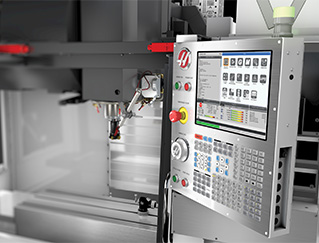
ECO Mode consolidates these settings into a single control page where you can easily adjust the parameters, and toggle all settings on and off with a single button push. 

Standard ECO Mode estimates your machine’s power usage based on which subsystems are being used – spindle motor, axis motors, coolant pump, etc. – and tracks that data over time to estimate the machine’s power consumption. Standard on all 3-phase Haas machines with the Premium Control.

ECO Mode Plus enhances this functionality by adding a hardware module that measures actual incoming current and voltage, and uses those measurements to calculate the amount of power the machine is consuming. Available on all 3-phase Haas machines with the Premium Control.

ECO Mode Settings

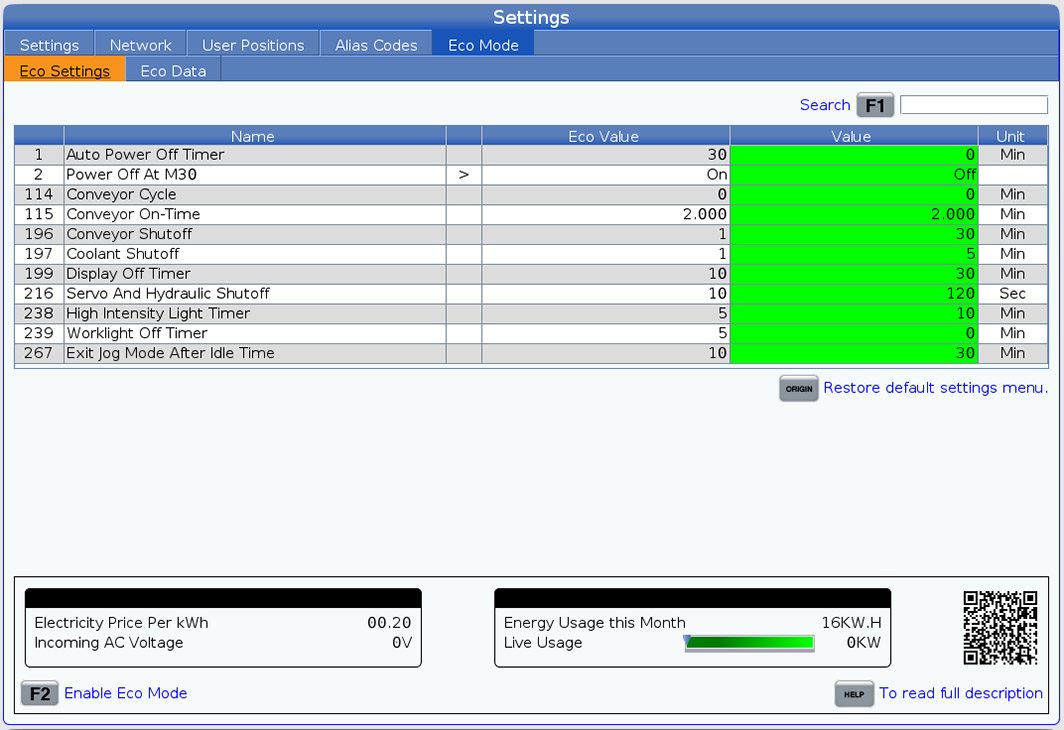
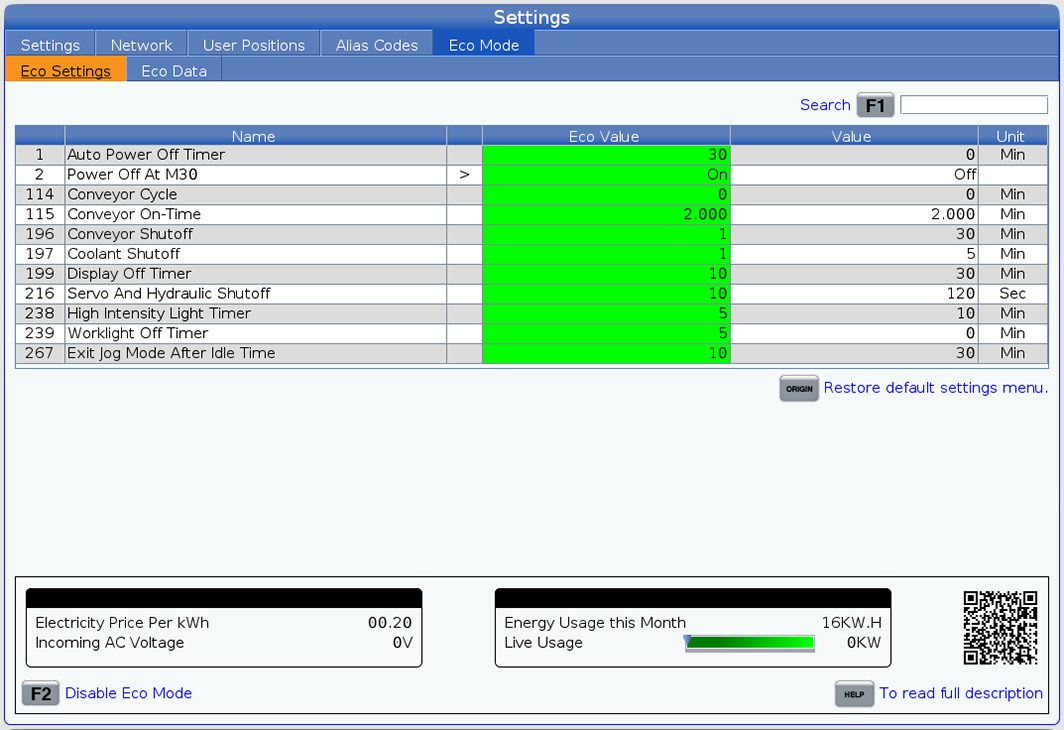
ECO settings have default values that are active when ECO Mode is off. These values can be adjusted by the user to reduce power consumption when ECO Mode is on.

ECO Mode can be toggled on and off with the push of a single button. When ECO Mode is on, the user-defined values are active. When ECO Mode is off, the default values are active.

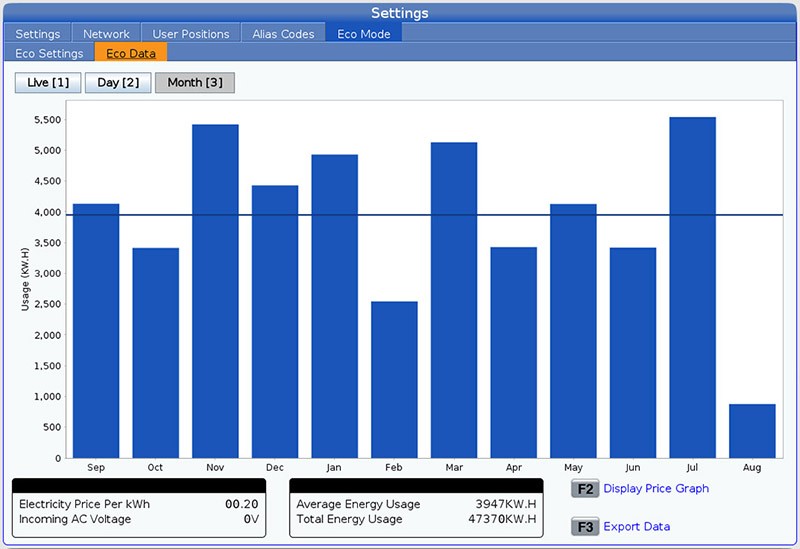
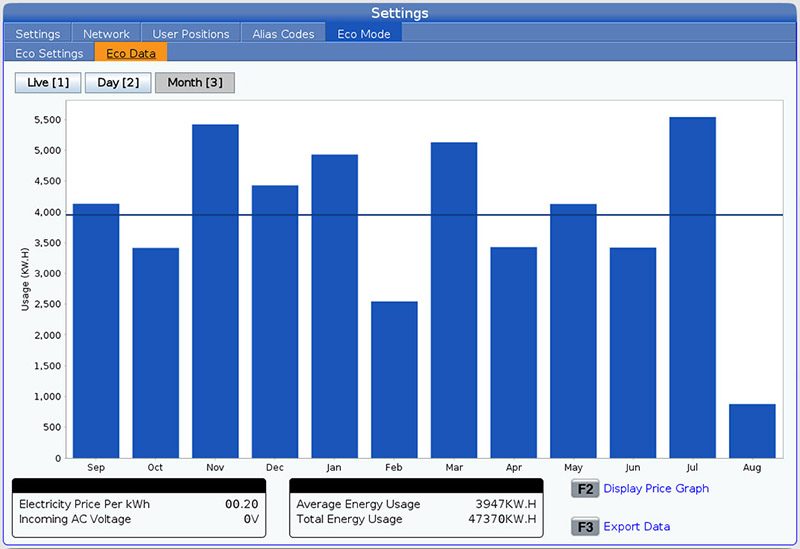
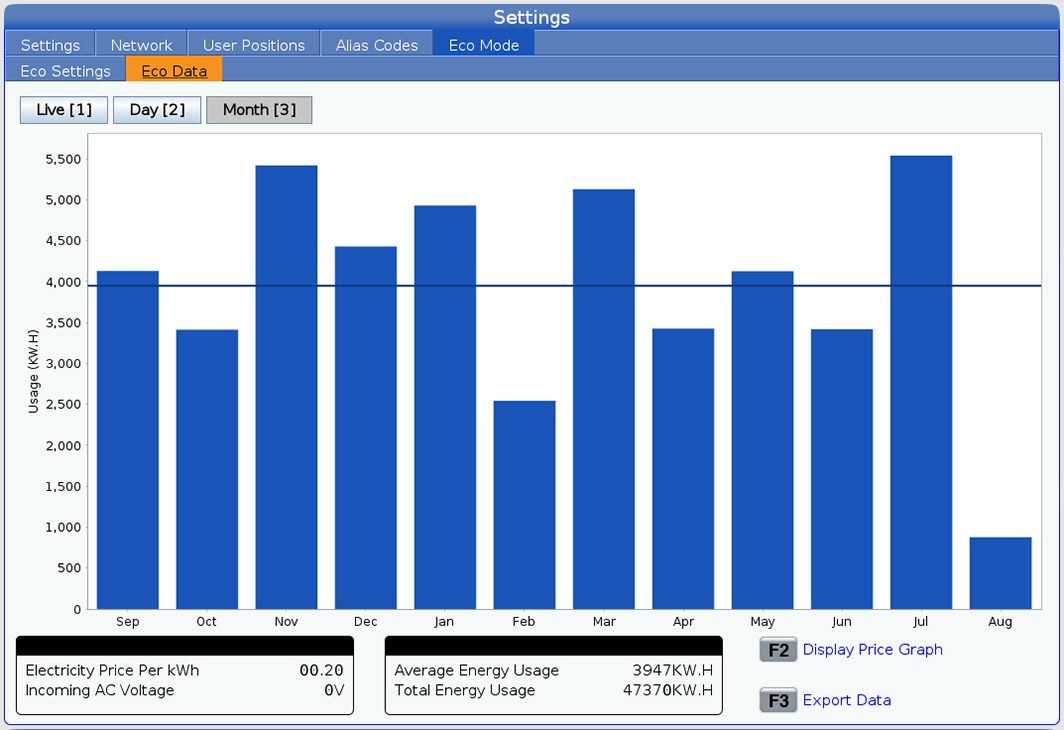
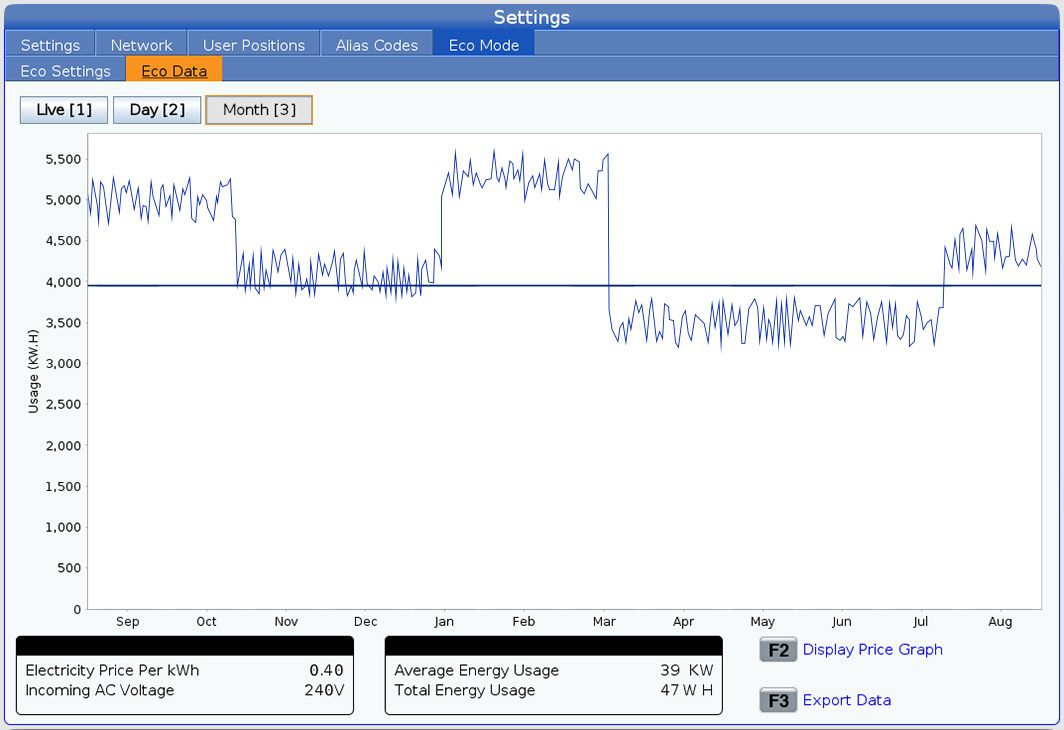
ECO Mode estimates power consumption based on which subsystems are being used. ECO Mode Plus physically measures power consumption. Data is tracked over time and can be displayed live, by day, or by month. 

The user can enter their cost per kWh of electricity into Setting 449 to convert the power consumed into an estimate of the machine’s operating cost.

AUTO POWER OFF

SETTING 1

POWER OFF AT M30

SETTING 2

CONVEYOR EFFICIENCY 

SETTING 114/115

CONVEYOR SHUT OFF 

SETTING 196

COOLANT SHUT OFF

SETTING 197

LCD BACKLIGHT OFF

SETTING 199

SERVO/HYDRAULICS OFF

SETTING 216

HIL TIMER

SETTING 238

WORKLIGHT TIMER

SETTING 239

EXIT JOG MODE

SETTING 267
SETTING 1 - AUTO POWER OFF
Recently Updated

SETTING 1


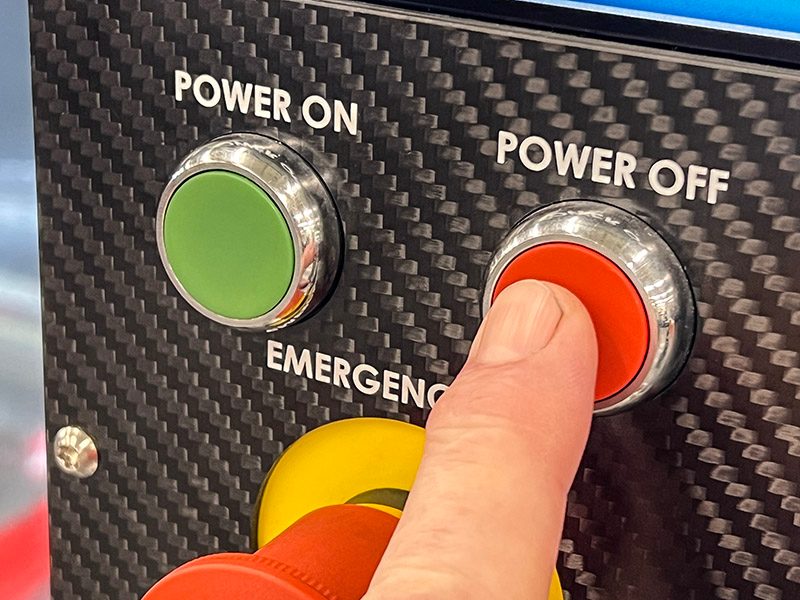
Setting 1 is used to automatically power down the machine after a period of idle time. The value entered in this setting is the number of minutes the machine remains idle until it is powered down. The machine will not power down while a program is running, and the timer resets to zero anytime a button is pressed or the jog handle is used. When this setting is on, the auto-off sequence gives the operator a 15-second warning before powering down, at which time pressing any button stops the power down.

SETTING 2 - POWER OFF AT M30
Recently Updated

SETTING 2


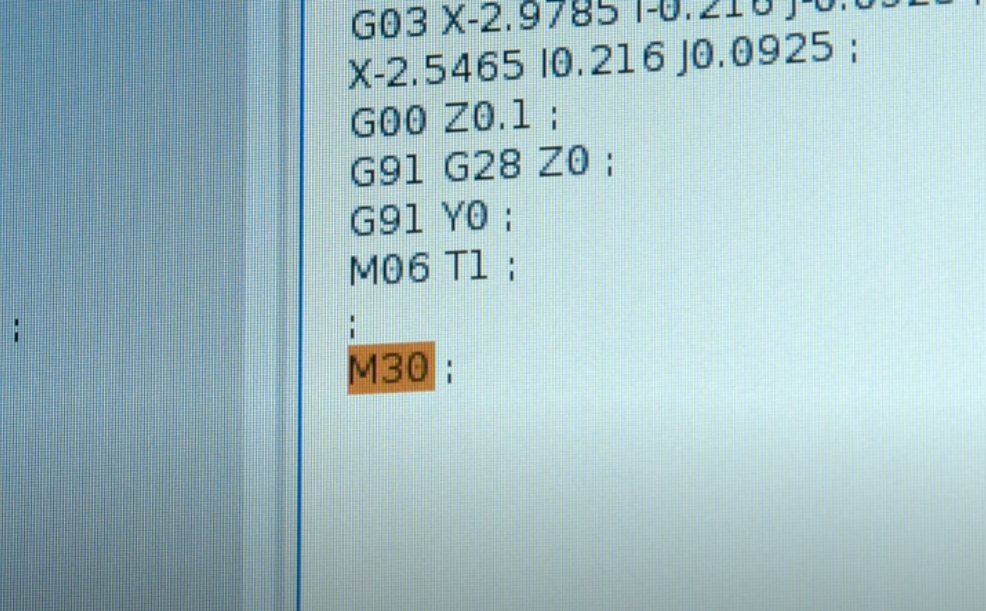
Setting 2 allows your mill or lathe to power off after M30. It’s perfect for starting one last long cycle part before heading home for the day. When this setting is on, the operator receives a 15-second warning after the M30 code in the program, where any key can be pushed to cancel the power-off sequence. If no action is taken, the machine will power off automatically.

SETTING 114/115 - CONVEYOR CYCLE EFFICIENCY
Recently Updated

SETTING 114/115


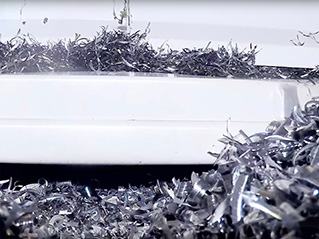
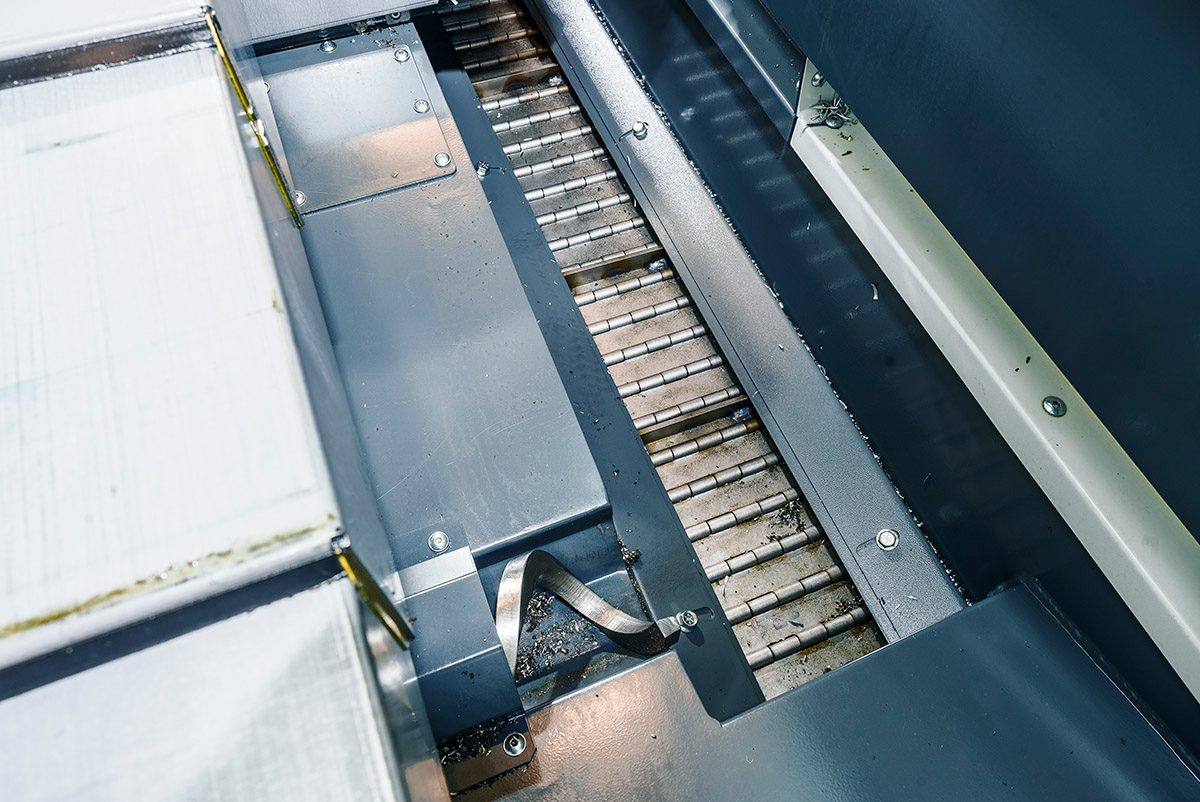
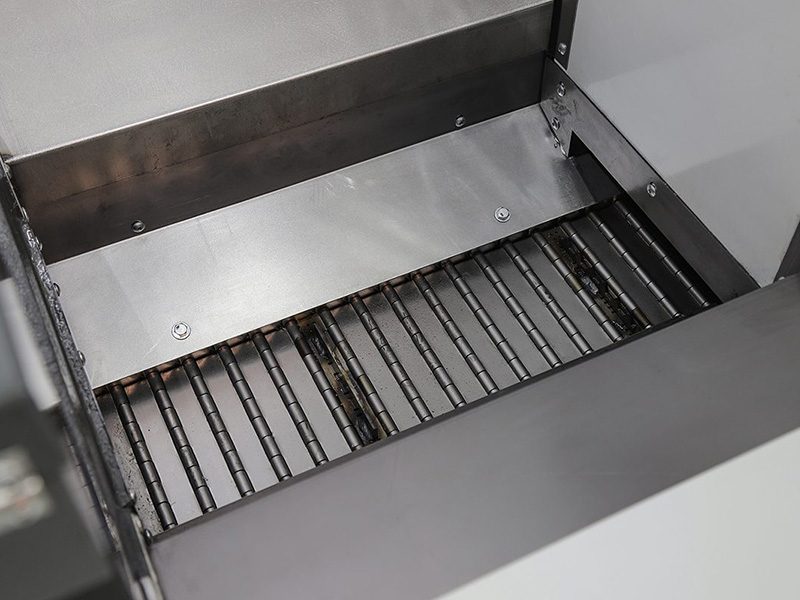
Chip augers and conveyors are important systems on your machine. Without efficient chip evacuation, it is hard for a machine shop to sustainably run at high production. All Haas machines offer settings 114 and 115, so that you can run your chip conveyor efficiently, with little energy consumption needed. Setting 114 allows you to specify how often your chip conveyor turns on. For example, if this setting is set to 30, your chip conveyor will turn on every half hour. Setting 115 lets you set the length of time the chip conveyor should run, before turning off.

SETTING 196 - CONVEYOR SHUTOFF
Recently Updated

SETTING 196


Maintaining smooth production flow means keeping your machine clear of chips. Conveyors are great for clearing chips without operator intervention, especially when using automation systems or running lights-out production. But when the job’s done, and the machine’s no longer making chips, the conveyor’s just using energy. Setting 196 allows you to set the amount of machine idle time to wait, in minutes, before turning off the conveyor (and washdown coolant, if installed).

SETTING 197 - COOLANT SHUT OFF
Recently Updated

SETTING 197


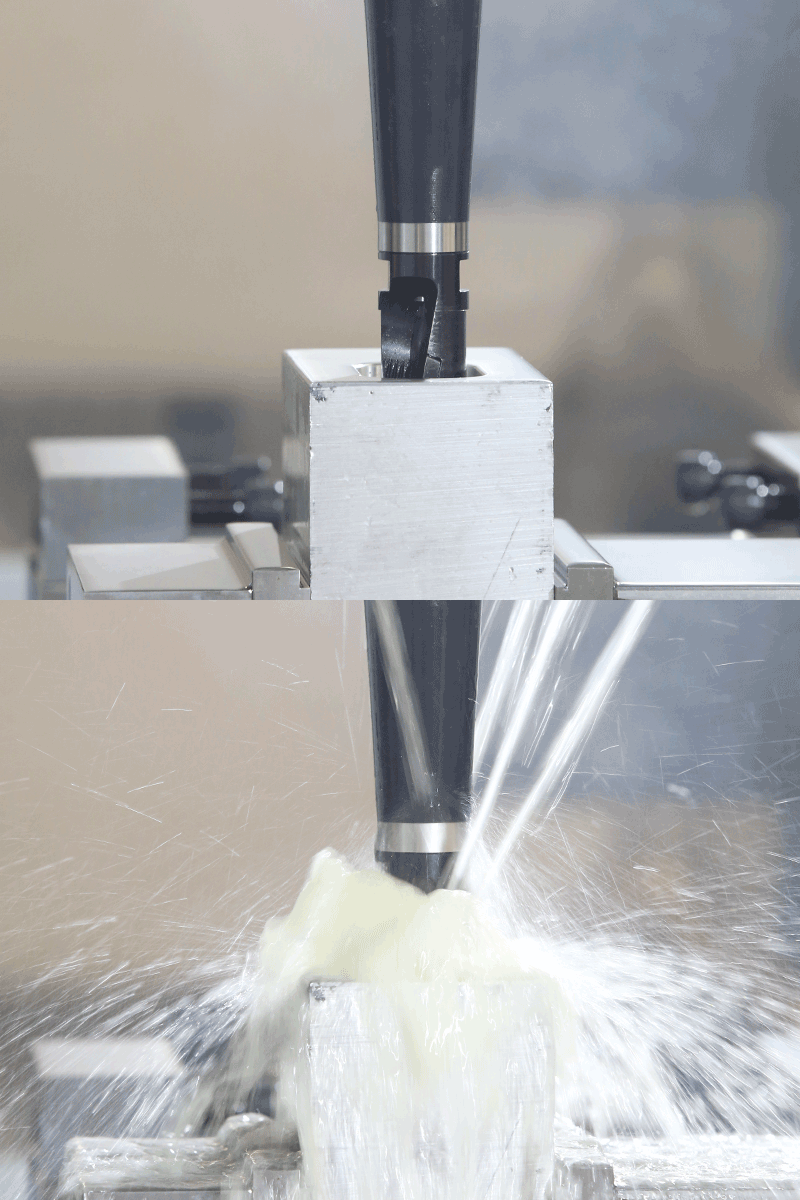
Coolant flow is crucial to many machining processes – keeping your cutting tools lubricated, cooling the cutting zone, and clearing chips. But coolant pumps consume energy when they’re running, so it makes sense to turn them off when your machine is idle. Setting 197 allows you to set the amount of idle time to wait, in minutes, before turning off the coolant flow.

SETTING 199 - LCD BACKLIGHT OFF SETTING
Recently Updated

SETTING 199


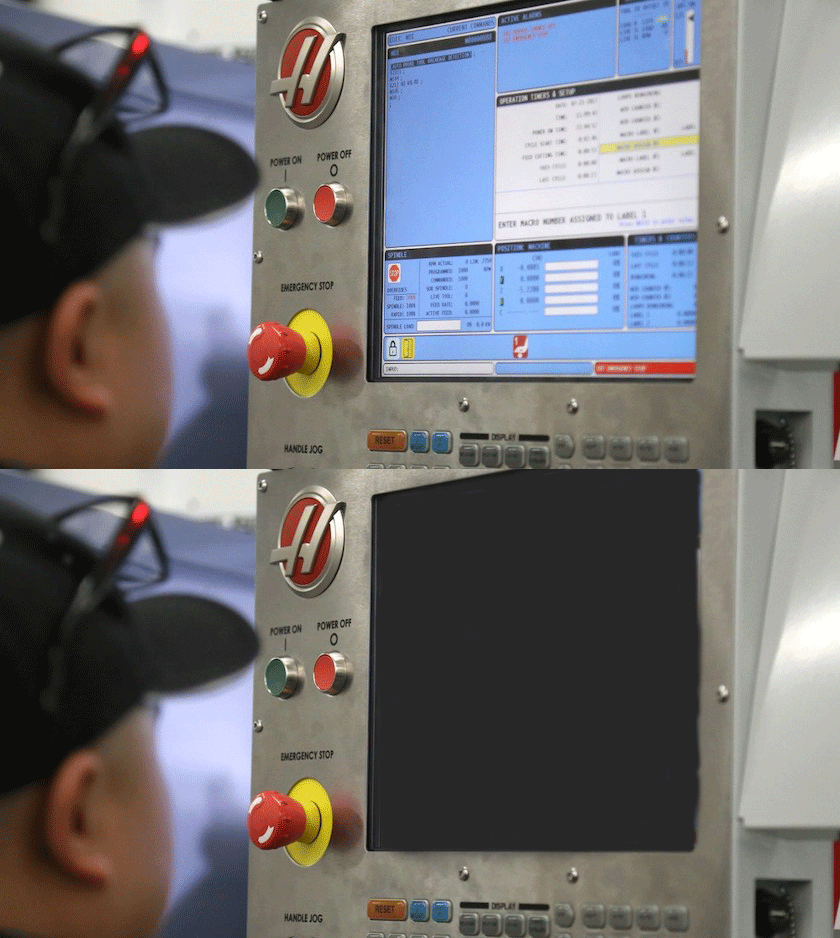
While this is a simple feature, it does contribute to the overall energy savings that all Haas machines offer. Setting 199 allows shops to set a timer, in minutes, that will turn off the LCD backlight when there has been no input at the control, unless there is an alarm present. The operator can press any key to restore the control to normal operation.

SETTING 216 - SERVO & HYDRAULICS SHUTOFF
Recently Updated

SETTING 216


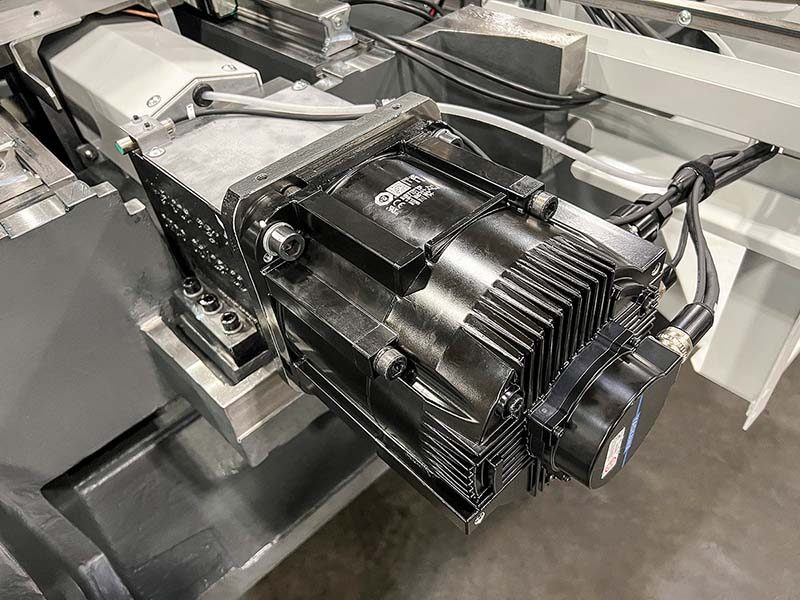
While we hope that your Haas machine is running with minimal spindle idle time within a day, that’s not always the case. There are times when machines are waiting for stock, to be set up, etc. Setting 216 specifies an idle time, in seconds, at which the machine will go into power-savings mode, shutting down all servomotors and hydraulic pumps, to draw less energy while the machine is sitting idle. When the machine is ready to be used, servomotors and hydraulic pumps will power back up and resume normal operation.

SETTING 238 - HIGH-INTENSITY LIGHTING TIMER
Recently Updated

SETTING 238


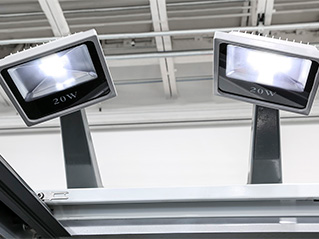
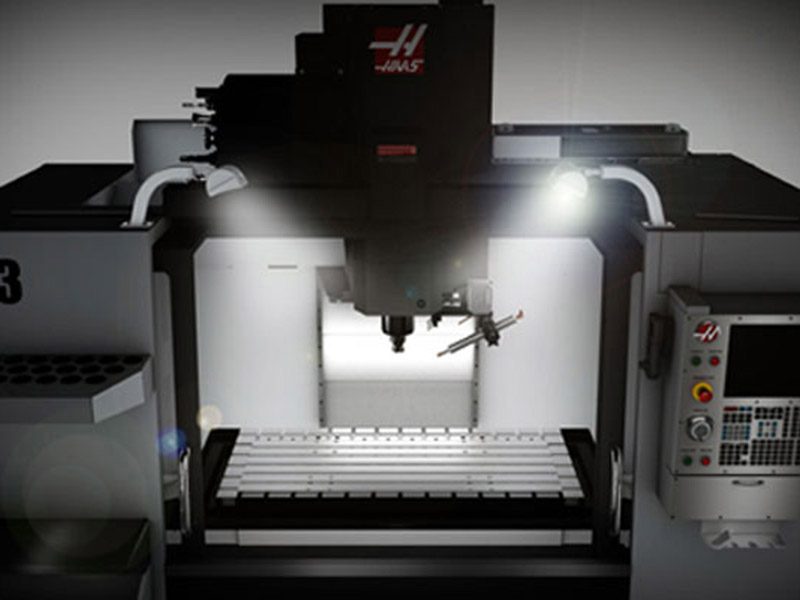
The High-Intensity Lighting option provides a ton of light to the work area when the machine doors open, and turn off when the doors close. But if you walk away and leave the doors open, you probably want the lights to turn off, so they don’t waste electricity. Setting 238 specifies the duration in minutes that the high intensity lights will stay turned on when activated. If this value is zero, then the lights will remain turned on while the doors are open.

SETTING 239 - WORKLIGHT TIMER
Recently Updated

SETTING 239


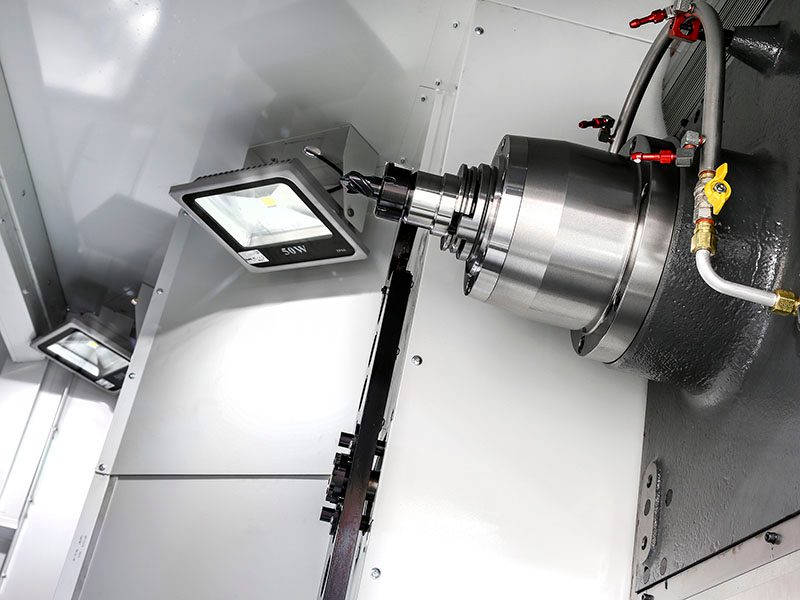
The worklights in your machine are great for seeing what you’re doing when setting up a job or proving out a program. But when you’re running a long job, or away from the machine for an extended time, those lights are just using energy. Setting 239 allows you to specify the amount of time in minutes after which the worklights will turn off automatically if there are no key presses or jog handle changes. If a program is running when the light turns off, the program will continue running.

SETTING 267 - EXIT JOG MODE
Recently Updated

SETTING 267


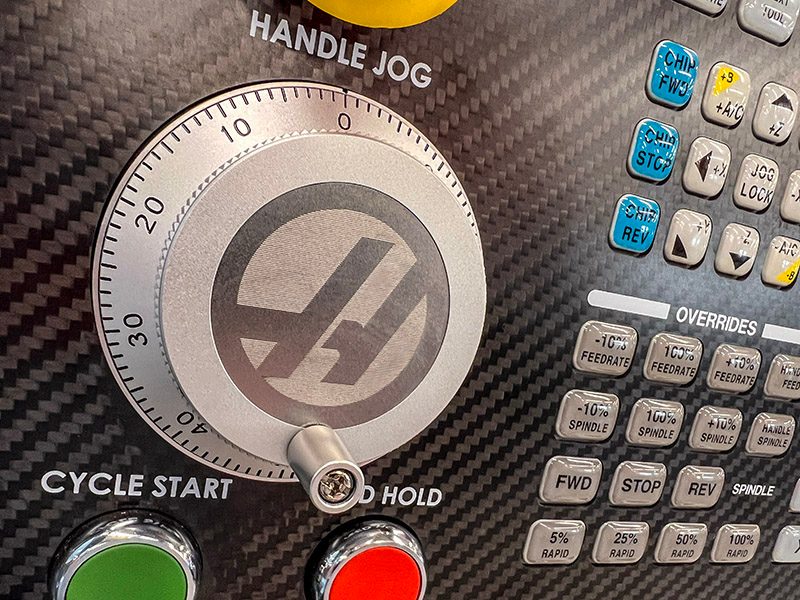
Jog mode is invaluable when setting up jobs, loading and unloading parts, or inspecting parts on the machine – allowing you to quickly move the axes to any location with precise control. However, leaving the machine in jog mode keeps the axis motors energized, waiting for your next jog input, and prevents the machine from entering other power-save modes, such as Setting 216 – Servo and Hydraulic Shutoff. Setting 267 allows you to define the duration, in minutes, that the control remains in jog mode with no axis motion or keyboard activity. After this duration, the control automatically changes to ZERO RETURN mode, where other power-save modes are active.

M95 - SLEEP MODE
Recently Updated

M-CODE - M95


Do you need to leave your machine on throughout the night? Minimize your energy consumption by putting your machine to sleep. Using M95, followed by a duration (hh:mm), puts your Haas machine to sleep for that specified amount of time. While the machine is asleep, your mill or lathe will limit the energy being consumed for the duration noted.

Note: Lines after using M95 should be axis moves along with spindle warm-up procedures.

DOCUMENTS

Need More Information?

If you would like more information about how a new Haas machine can bring your products to life, please share your contact information.

Language Preference :
Loading

All prices and specifications subject to change without notice. Freight, rigging, state & local taxes, and dealer installed accessories are not included. Not responsible for misprints or typographical errors. Machines shown with optional equipment. Actual product appearance may differ.

Recently Viewed Items

You Have No Recently Viewed Items Yet

Feedback
Haas Logo

Haas Delivered Price

This price includes shipping cost, export and import duties, insurance, and any other expenses incurred during shipping to a location in France agreed with you as a buyer. No other mandatory costs can be added to the delivery of a Haas CNC Product.

KEEP UP WITH THE LATEST HAAS TIPS AND TECHNOLOGY...

Sign up now!   

HAAS TOOLING ACCEPTS THE FOLLOWING:

  • Service & Support
  • Owners
  • Request Service
  • Operator Manuals
  • Haas Parts
  • Rotary Repair Request
  • Pre-Install Guides
  • Shopping Tools
  • Build & Price a New Haas
  • Available Inventory
  • The Haas Price List
  • CNCA Financing
  • About Haas
  • DNSH Statement
  • Export Compliance
  • Careers
  • Certifications & Safety
  • Contact Us
  • History
  • Terms & Conditions
  • Haas Tooling Terms & Conditions
  • Privacy
  • Warranty
  • Haas Community
  • Haas Certification Program
  • Haas Motorsports
  • Gene Haas Foundation
  • Haas Technical Education Community
  • Events
  • Join the Conversation
  • Facebook
  • X
  • Flickr
  • YouTube
  • LinkedIn
  • Instagram
  • TikTok
© 2026 Haas Automation, Inc – CNC Machine Tools
This site is protected by reCAPTCHA and the Google Privacy Policy and Terms of Service apply.

2800 Sturgis Rd., Oxnard, CA 93030
Toll Free: (888) 817-4446 / Fax: 805-278-8554